TRANSPORTATION · EMDOOR IPC CASE STUDY
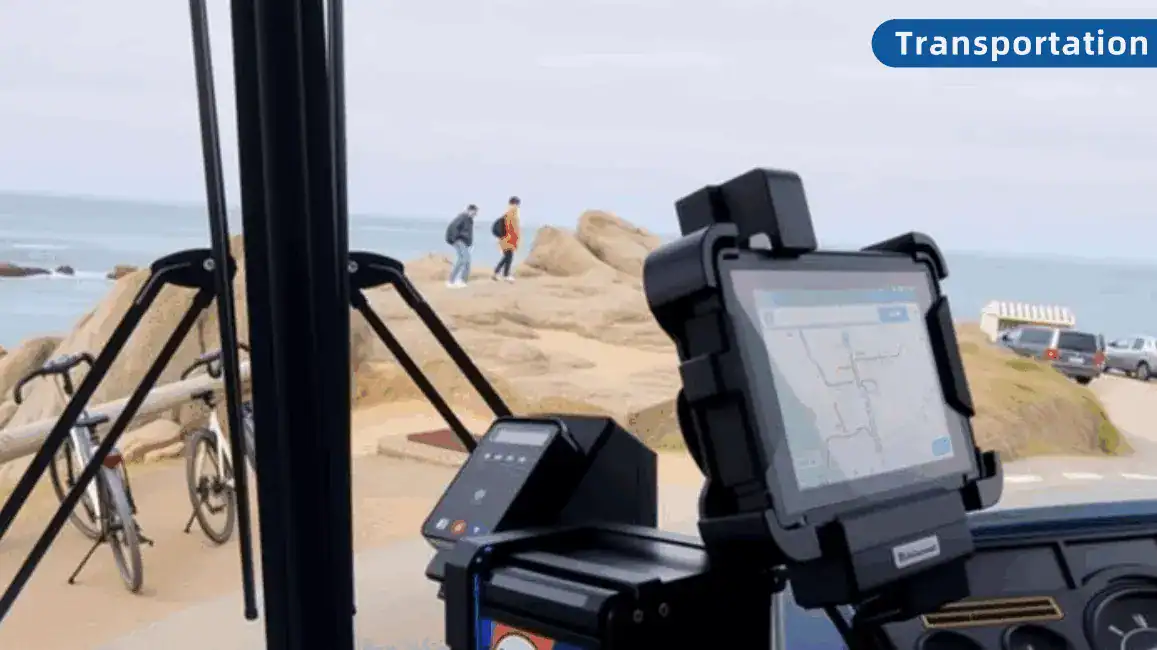
A smart bus ticketing terminal coordinates several events at boarding: a passenger makes a selection, a reader captures an input, the application confirms a result and the appropriate record is printed or transmitted. The quality of that sequence depends on the peripheral connections and software behavior as much as on the screen.
A ticketing platform with several dependencies
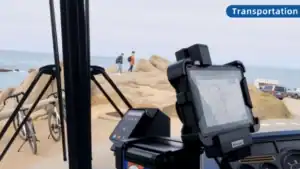
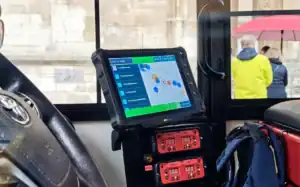
Emdoor’s case describes a smart ticketing provider that needed an integrated vehicle terminal for unattended bus ticketing. The published solution uses the EM-Q885M with an NFC reader, code scanner and ticket printer. It also describes a customized Android environment, startup of the customer’s application and mobile connectivity for back-office reporting.
The original challenges included peripheral expansion, installation space, vehicle vibration and compatibility with customer software. Those requirements explain why the project needed a coordinated installation rather than a tablet selected in isolation.
Build an interface map
List each peripheral’s connection, driver, power requirement and application dependency. Include the reader, scanner and printer together in the test. Demonstrating each device separately does not establish that all of them will remain available in the final installation.
Document the approved cables, hubs and expansion components with the hardware configuration. Make connector access and cable retention visible in the mounting drawing so the installation can be reproduced on the next bus.
Specify the application states
Define how the screen distinguishes a pending action, a confirmed result and an operation requiring attention. When a peripheral fails, the operator should be able to identify the affected part of the workflow without guessing whether the transaction completed.
For project acceptance, include interrupted connectivity, a disconnected reader, a printer without paper and a restarted application. The ticketing software provider should define recovery and reconciliation behavior for each condition.
Test in the vehicle
Review the bracket, screen position and cable paths with the vehicle integrator. Check readability and touch interaction in the operating position. Keep maintenance access practical so replacing a peripheral does not disturb the whole installation.
Confirm power control and time synchronization against application requirements. Run a representative service cycle with all peripherals connected, then review the logs with the software and hardware teams.
Prepare a controlled rollout
- Freeze an approved device, peripheral and software configuration for the pilot.
- Record restart and synchronization behavior before adding vehicles.
- Assign responsibility for device support, application issues and peripheral replacement.
- Keep a restore process and spare components available to service staff.
Designing a connected vehicle terminal?
Share your application workflow and peripheral interface list for a configuration review.
Case background: the original Emdoor application story. This edition adds an Emdoor IPC integration perspective. Reported application details describe that project; new deployments require configuration and software validation.