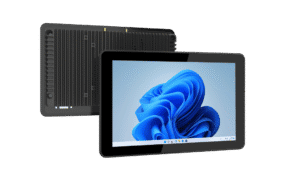
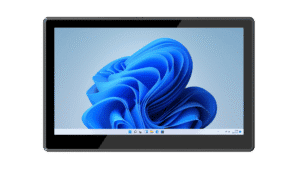
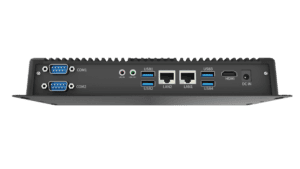
Inventory & internal logistics
Provide an interface for stock lookup, replenishment and internal distribution workflows. Connect compatible scanners or label printers and validate access permissions within the hospital’s inventory system.


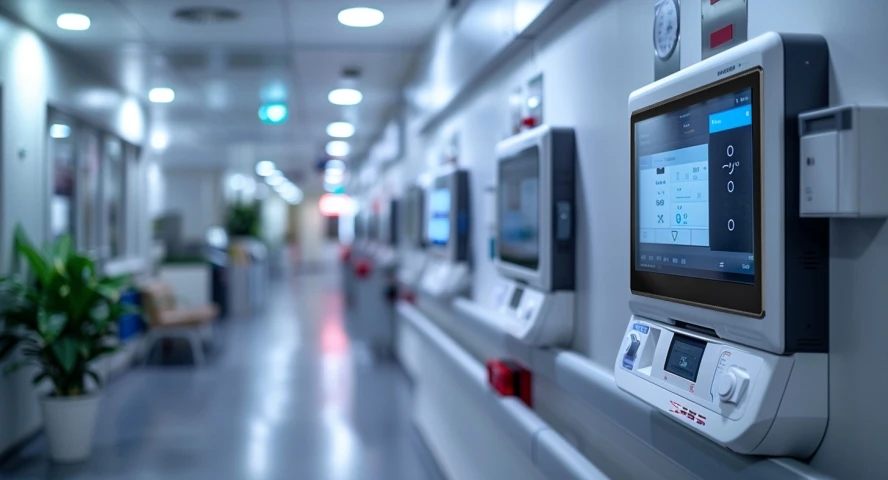
Equip hospital logistics, administrative stations and facility systems with practical computing interfaces. Emdoor panel PCs and embedded platforms can be evaluated for operational applications around your software, installation and service requirements.
Focus the hardware specification on the task. The platforms below are options to evaluate for operational workflows; clinical or patient-connected use requires a separate assessment.
Provide an interface for stock lookup, replenishment and internal distribution workflows. Connect compatible scanners or label printers and validate access permissions within the hospital’s inventory system.
Use a panel PC for staff information access, registration workflows or service desks where the application and installation are appropriate. Review display readability, user access and data privacy with the system owner.
Use an industrial computer as an access point for maintenance schedules, building information or approved facility software. Plan enclosure design, connectivity and service access around the installed location.
A useful specification connects the application to the real installation. Review these points before committing to a configuration.
| Intended use | Define administrative, logistics or facility functions. Clinical and patient-connected systems need separate regulatory and safety review. |
|---|---|
| Cleaning & installation | Check enclosure materials and approved cleaning methods for the exact model; do not assume disinfectant compatibility. |
| Application & peripherals | Validate software, operating system, scanner / printer drivers and authentication requirements. |
| Data & lifecycle | Review access controls, update policies, network segmentation and maintenance with your IT team. |
The computer is one part of the deployed system. Patient data handling, clinical safety and regulatory obligations depend on the intended use and the complete implementation.
Evaluate compact and larger panel PCs or an embedded platform for operational workstations. These recommendations do not imply medical-device or EN 60601 certification.
Published product information below is maintained in our product catalog. Confirm the selected model, options and current availability with our team.