

Configure the system your deployment can actually support.
Customization should reduce project risk, not add uncontrolled variants. Emdoor IPC connects proven industrial and vehicle computing platforms with the interfaces, software image, mounting, power, branding and delivery controls required for repeatable field operation.
Know when product selection becomes project engineering.
The right route depends on environment, workload, interfaces, operating system, installation method, quantity and delivery rhythm. Defining that route early avoids quoting a sample that cannot become a stable production configuration.
Select a validated device and accessory set
Use this route when a published industrial PC, panel PC or vehicle computer already matches the application, interfaces and operating system.
- Existing platform and documented options
- Standard accessories and mounting
- Fastest path to evaluation
Align available modules around one workflow
Use this route when the base device fits but ports, wireless modules, storage, power, scanner, mount or OS image must be combined and validated.
- Project-specific option set
- Image and peripheral configuration
- Representative sample review
Control hardware, software and delivery together
Use this route when mechanical change, custom I/O, certification direction, software behavior, branding or lifecycle planning affects delivery.
- Feasibility and risk register
- Engineering sample and pilot gates
- Controlled release baseline
Hardware, software and delivery must be reviewed as one system.
A change that looks small on a specification sheet can affect drivers, thermal behavior, installation, support and repeat orders. Review the full operating chain before freezing the configuration.
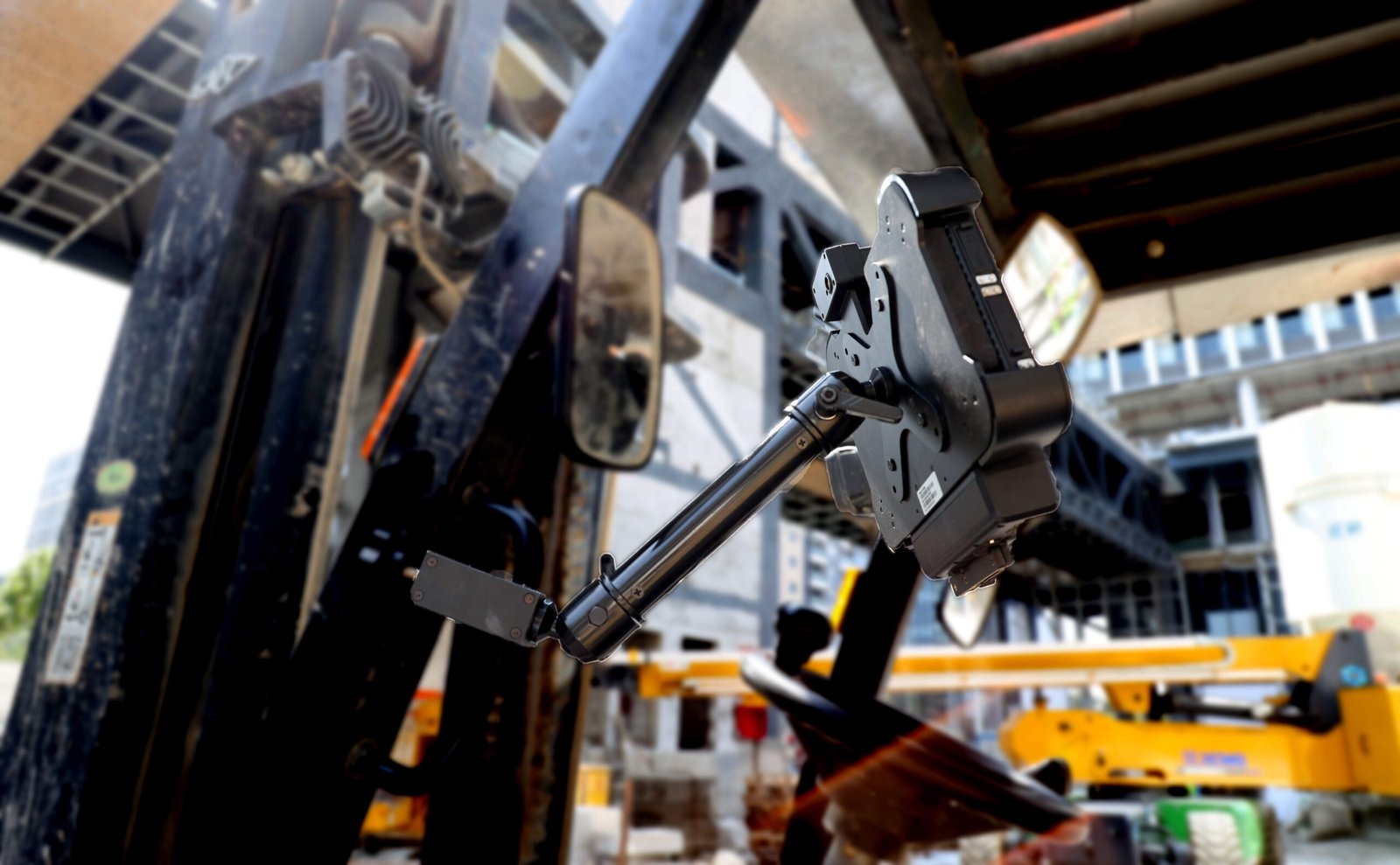
Fit the computer to the machine or vehicle.
Review processor load, display, thermal path, power input, ignition behavior, storage, memory, LAN, serial, CAN, GPIO, USB, wireless modules, mounting and enclosure.
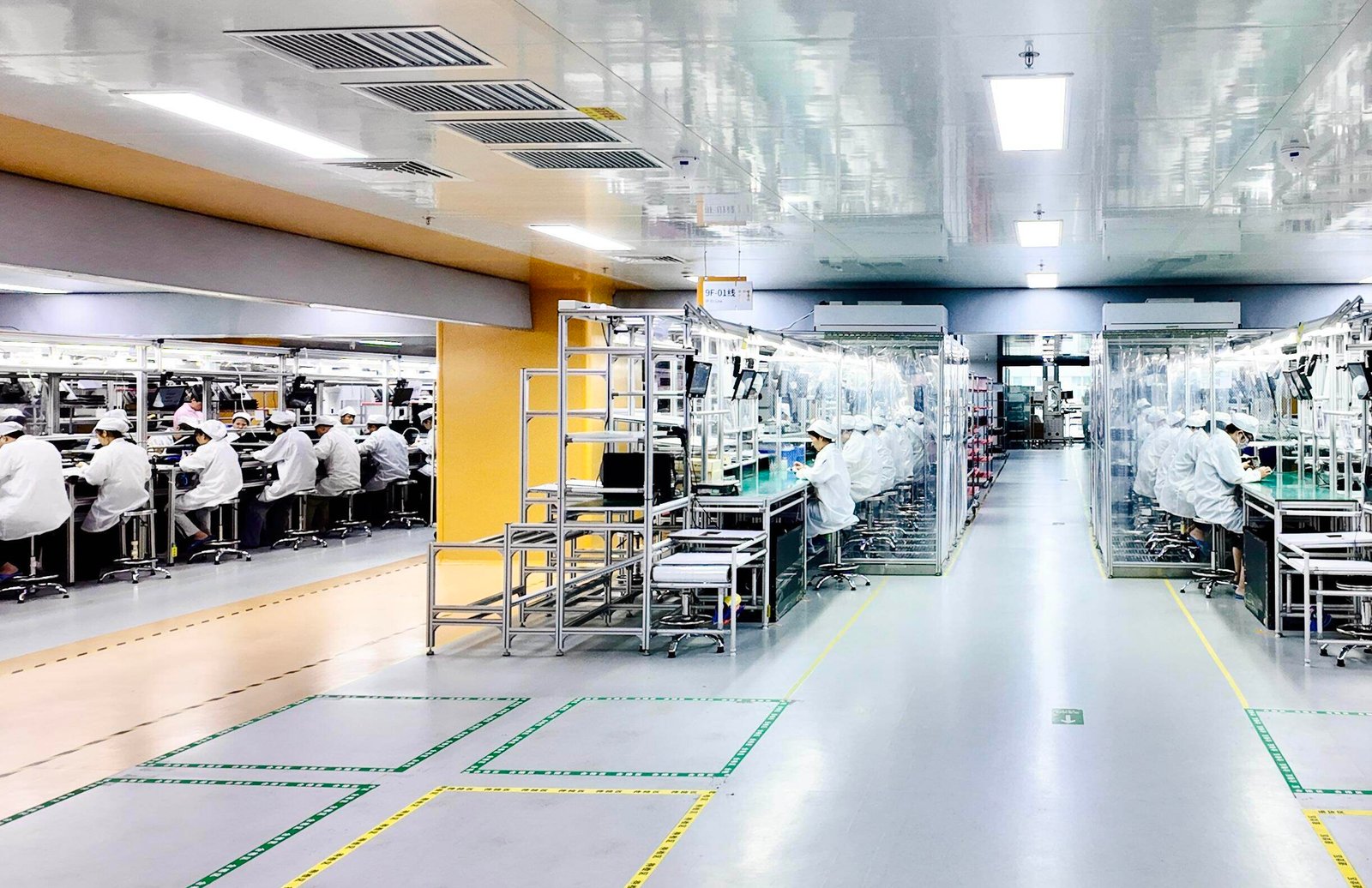
Make every deployed unit behave predictably.
Define the OS build, BIOS or firmware, drivers, application preload, kiosk policy, permissions, network profile, update method, diagnostics and recovery behavior.

Turn the approved sample into a repeatable order.
Freeze the configuration, labels, branding, packaging, documentation, regional settings, inspection points, change control, forecast and service baseline.
Advance only when the next decision has evidence.
A prototype is not a production baseline. Each gate should produce a defined output, a list of open risks and an owner for the next decision.
When requirements change, the affected interface, image, accessory, test result and delivery document should change together.
Discovery
Environment, machine or vehicle, user workflow, application, market, quantity, timeline and commercial boundary.
OUTPUT · PROJECT BRIEFFeasibility
Platform fit, I/O, power, thermal load, software, mounting, accessories, compliance direction and unsupported assumptions.
OUTPUT · FEASIBLE SCOPE & RISK LISTEngineering sample
Representative hardware options, software baseline, mechanical package, accessories and agreed test plan.
OUTPUT · SAMPLE BASELINEValidation and pilot
Interface compatibility, installation, performance, recovery, field workflow, user feedback and controlled revisions.
OUTPUT · RELEASE DECISIONProduction and lifecycle
Approved configuration, quality controls, packaging, documentation, repeat orders, change communication and support.
OUTPUT · REPEATABLE DELIVERY
Test the configuration that will enter service.
Nameplate specifications are only the start. A representative unit should include the target image, modules, storage, mount, cable set, power source and application workflow.
A useful brief begins with deployment facts.
You do not need a finished specification for the first review. Clear operating facts are enough to shortlist platforms and expose the engineering decisions.
Environment
Factory, warehouse, vehicle, cabinet or outdoor location; temperature, dust, water, vibration, lighting and duty cycle.
Compute and display
Application load, processor direction, memory, storage, screen size, brightness, touch method and graphics outputs.
Interfaces and power
LAN, serial, CAN, GPIO, USB, wireless, GNSS, voltage range, ignition behavior, UPS needs, cables and connectors.
Software
Windows, Linux or Android direction; drivers, application image, kiosk mode, permissions, remote management and recovery.
Mechanical and accessories
Panel cutout, VESA or vehicle mount, enclosure, thermal constraints, antenna, dock, scanner, camera and service access.
Delivery frame
Sample, pilot and batch quantity; market, labels, packaging, certification direction, target date, forecast and lifecycle.
Move from an approved sample to controlled repeat delivery.
The release baseline connects hardware, image, accessories, quality checks, packaging and supply planning. This is where a technical result becomes an operational asset.
Questions to settle before engineering review.
Clear inputs and gate expectations make feasibility, samples, quotations and delivery easier to compare.
What should the first project brief include?
Start with the operating environment, application, compute load, display, required interfaces, input power, installation method, operating system, target market, quantity, timeline and validation expectations. A final model number is not required at this stage.
How is feasibility separated from a quotation?
The review identifies what is standard, what can be configured, what requires engineering work, what must be validated and which assumptions are unsupported. The commercial quotation should reflect that agreed boundary.
Should the sample use the final software image and accessories?
Yes when those elements affect risk. A representative sample should match the intended modules, drivers, power, mounting, cables, application and recovery behavior as closely as practical.
How do quantity and timeline affect the route?
Sample, pilot and batch quantities influence engineering effort, material planning and validation. Target market, mechanical change, special modules and lifecycle expectations can also affect cost and lead time.
What must be frozen for repeat orders?
Confirm the bill of materials, firmware or BIOS, OS image, drivers, application package, accessories, labels, packaging, inspection criteria, documentation and change-notification process.
Turn deployment requirements into an engineering conversation.
Share what you already know: environment, application, interfaces, power, OS, mounting, quantity, market and target date.