

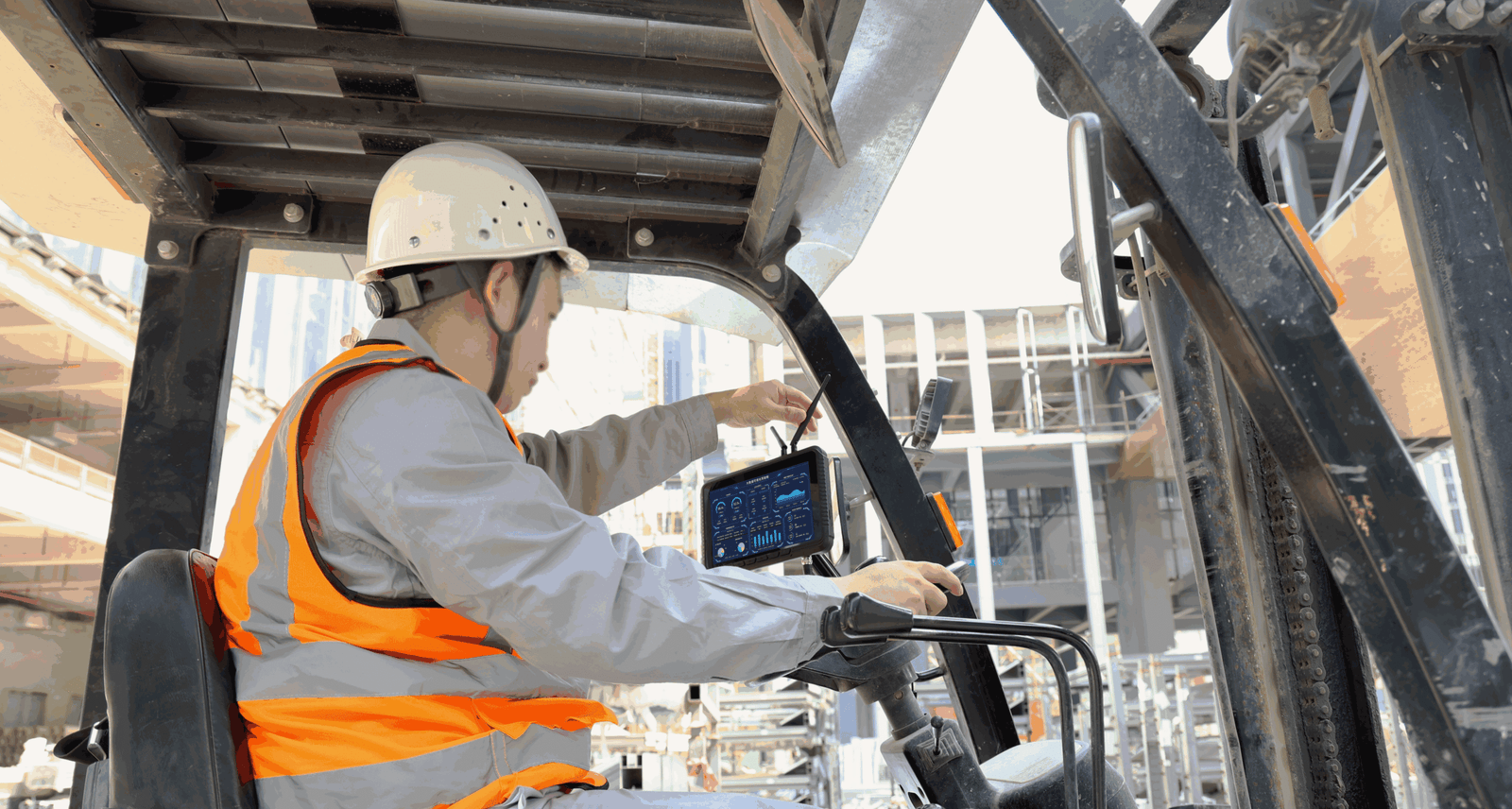
Vehicle PCs.
Keep your operation
moving.
Rugged vehicle-mounted computers and tablets for forklifts, warehouse vehicles and logistics fleets. Bring tasks, data and connectivity to the operator.
Choose the terminal.
Build the vehicle solution.
Explore current vehicle PC models, then match your operating system, screen size, docking, power and connectivity requirements.

EM-V82T Rugged Vehicle Tablet
Read more
EM-V80J (Linux) 8 Inch Rugged Vehicle PC Linux
Read moreEM-V10J (Linux) 10.1 Inch Linux Vehicle PC Rugged Tablet
Read more
EM-V80T 8 Inch Android 12 (GMS) Vehicle
Read moreEM-V80J 8 Inch Windows 10 Vehicle
Read moreEM-V10T 10.1 Inch Android 12 (GMS) Vehicle
Read more
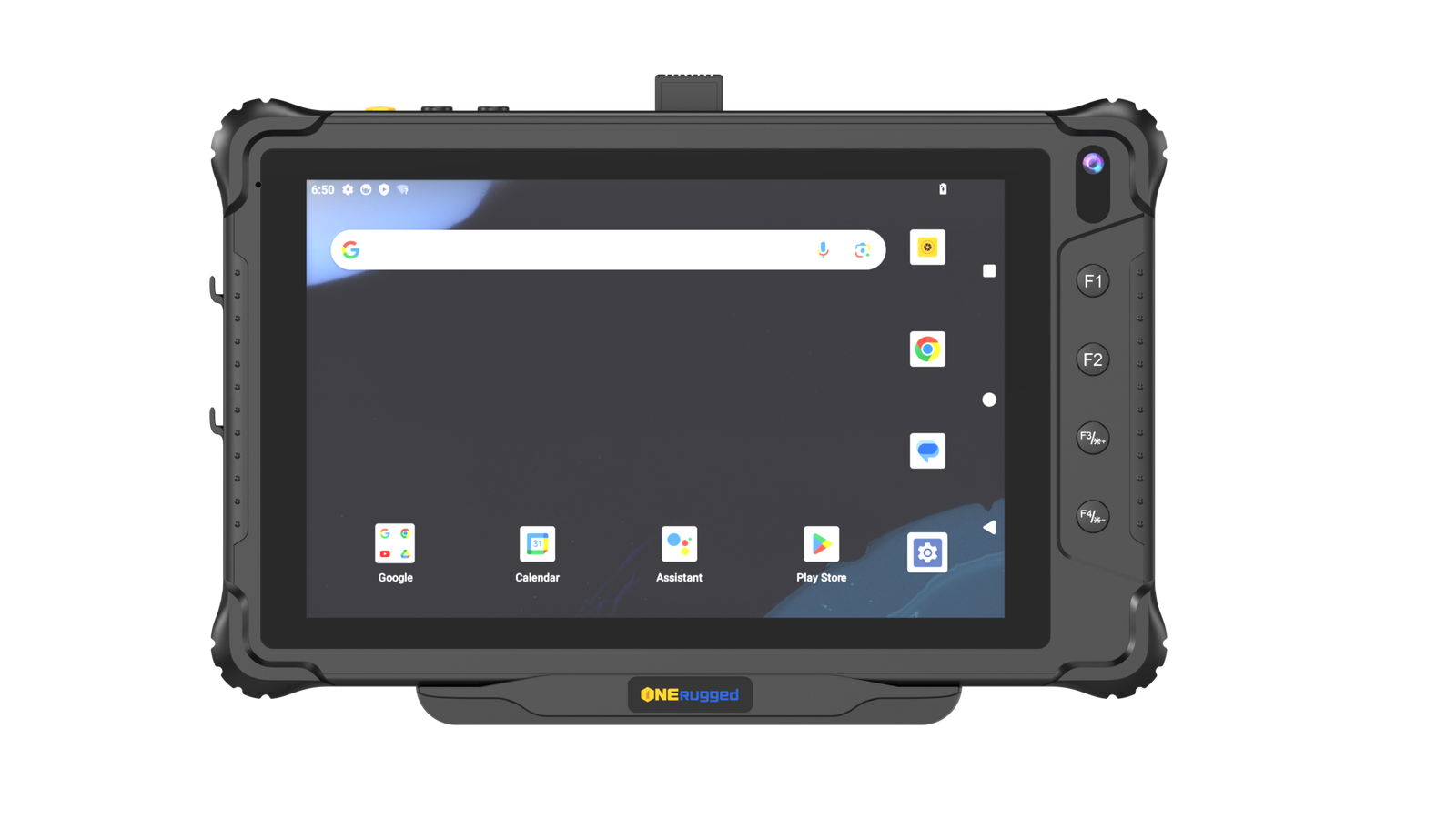
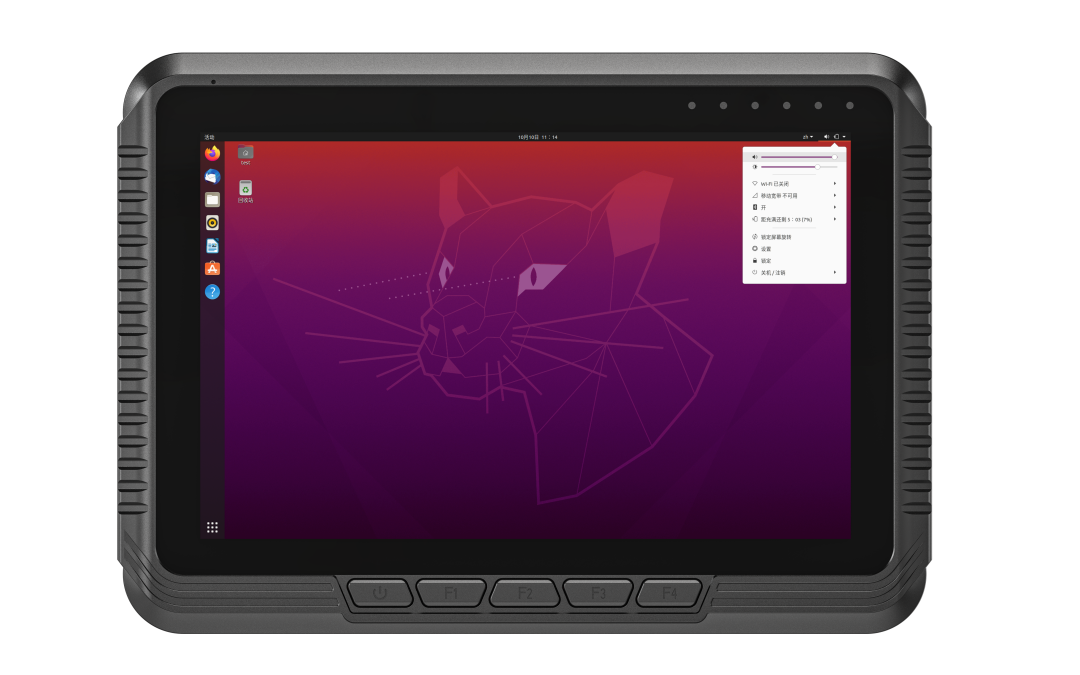
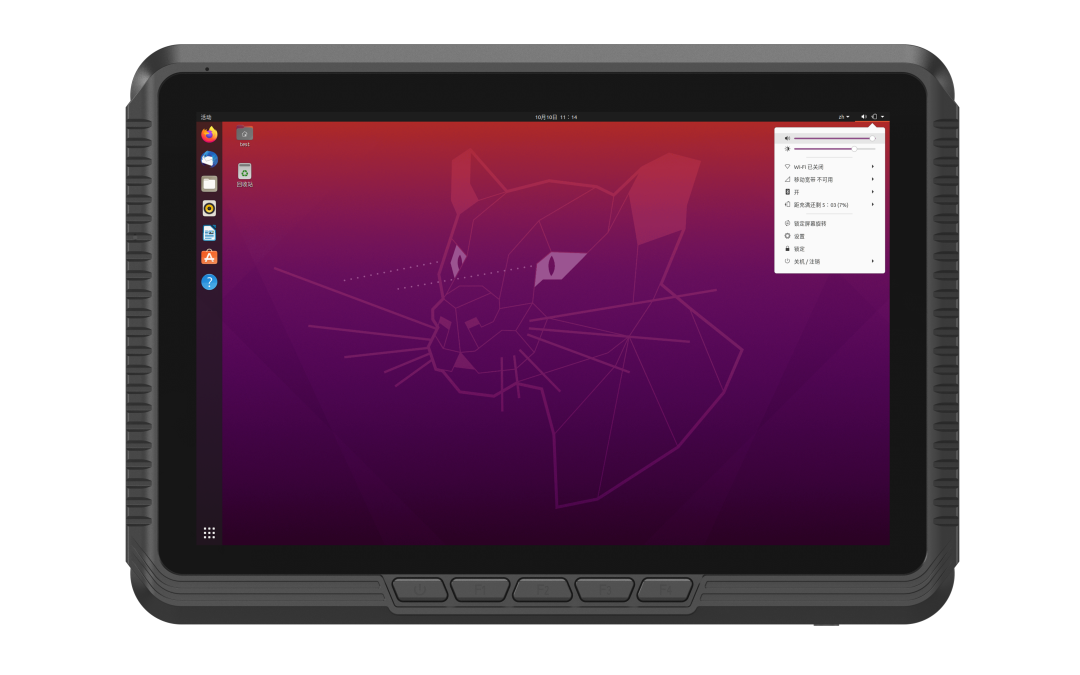
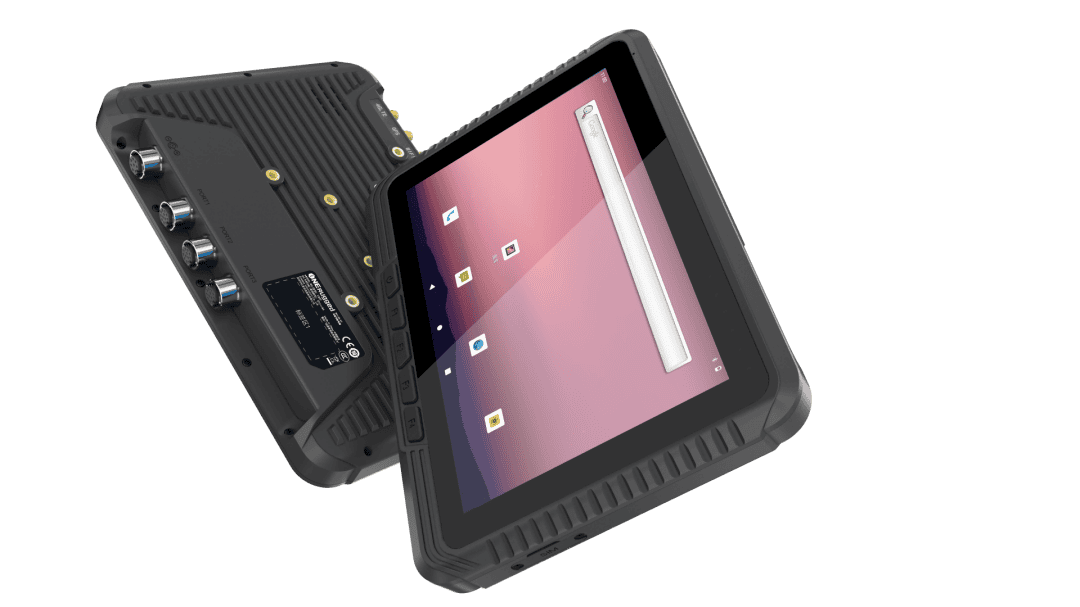
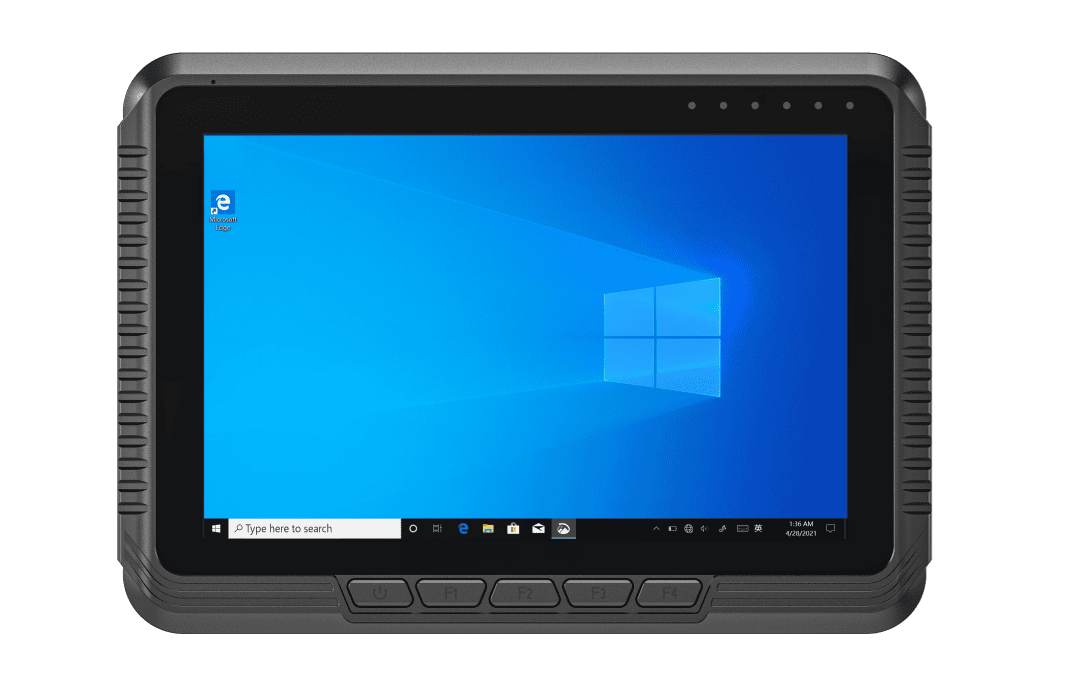
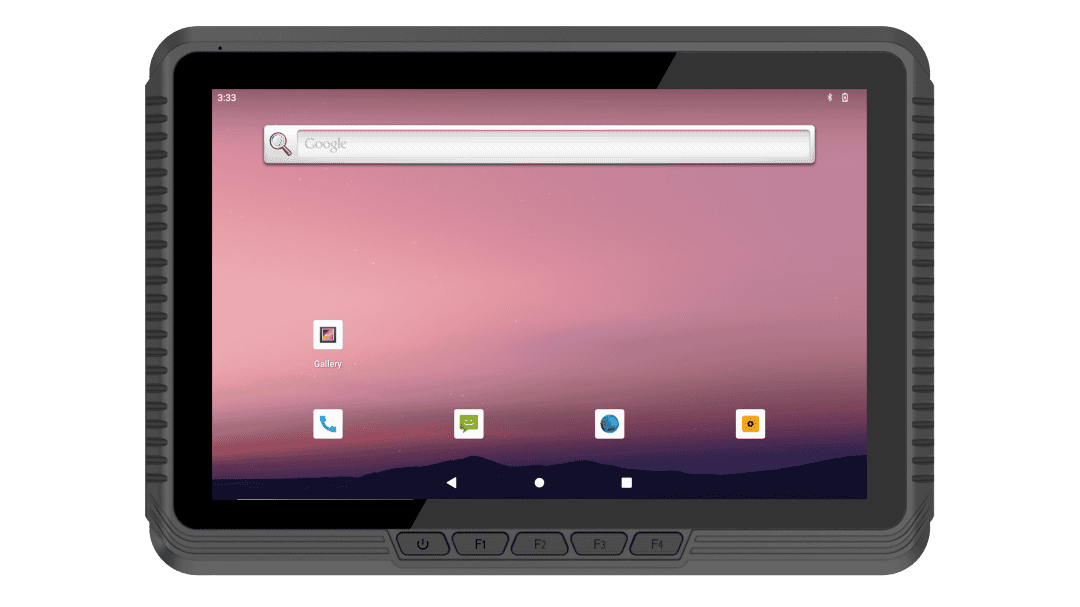
Three platforms. One vehicle workflow.
Start with the software your team uses. Then evaluate the display, docking, vehicle power and peripherals that turn the terminal into a working solution.
| Platform | A starting point for | Confirm before selection | Example models |
|---|---|---|---|
| Windows | Existing Windows-based warehouse and fleet software, with the peripherals your operation depends on. | Application compatibility, OS version, required ports and deployment configuration. | EM-V80J → |
| Android | Mobile workflow apps, touch-first task access and connected warehouse terminals. | App requirements, Android version, device management and peripheral support. | EM-V80T →EM-V10T → |
| Linux | Project-specific Linux applications and vehicle integrations managed by your technical team. | Distribution support, drivers, application validation and integration requirements. | EM-V80J Linux →EM-V10J Linux → |
Secure mounting.
Power for the working shift.
A dependable vehicle solution starts with the complete installation: terminal, docking, mounting, power and cable routing.
Put information within reach
Evaluate forklift brackets, dashboard positions and mounting accessories around the operator's workflow. Docking options support mounting, charging and removal where required.
Plan a stable power connection
Confirm the vehicle supply voltage, ignition behavior, charging requirements and operating hours. Select compatible power accessories and wiring for the chosen model.
Designed around the operator
Review brightness, screen size and glove-friendly touch requirements against the actual cabin, warehouse and outdoor conditions.
Specify for demanding routes
Match vibration, dust, temperature and environmental protection requirements to the selected vehicle PC's specifications.
Support daily operation
Consider device removal, cable access, spare accessories and maintenance procedures before rolling out the solution.
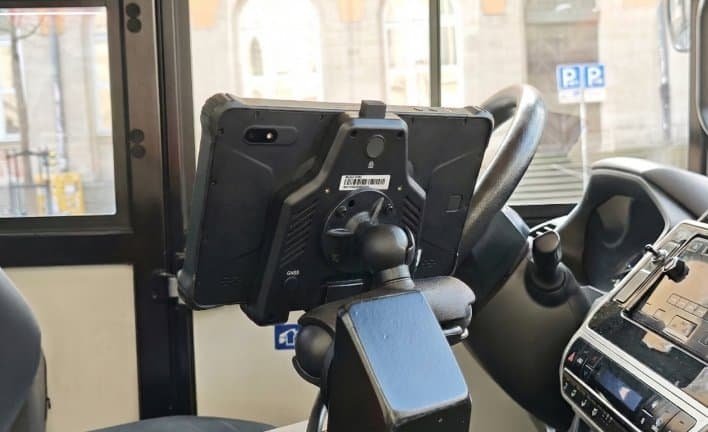
Connect the operator.
Connect the operation.
Bring work instructions, task updates and operational data into the vehicle. Align the terminal with your network coverage, software and connected peripherals.
A vehicle PC solution.
Configured for your fleet.
For equipment manufacturers, system integrators and fleet buyers, project configuration connects the device to the vehicle and the workflow.
Vehicle & workflow
Define the vehicle type, operating environment, application and deployment scale.
Terminal & accessories
Align screen, OS, I/O, docking, mounting and power requirements.
Network & software
Evaluate wireless coverage, peripherals and application compatibility.
Validation & support
Agree on installation, acceptance and lifecycle support needs for your project.
From the warehouse aisle.
To the working fleet.
Support mobile teams with accessible tasks, dependable data collection and connected vehicle workflows.
Warehouse & Logistics
Picking instructions, inventory workflows and task access on warehouse vehicles.
02 / FLEETSTransportation & Dispatch
Vehicle terminals for navigation, dispatch and operational information.
03 / YARDSPorts & Heavy Vehicles
Review mounting, visibility and connectivity for demanding vehicle environments.
04 / COLD CHAINTemperature-Sensitive Operations
Discuss operating temperatures and site conditions to select a suitable device.
Get the vehicle fit.
Before the rollout.
Key questions for purchasing and engineering teams evaluating forklift computers and vehicle-mounted tablets.
What should I check before installing a vehicle PC?
Confirm vehicle type, supply voltage, mounting position, screen visibility, vibration, cable routing, wireless coverage and peripheral connections.
Which operating system should I choose?
Choose Windows, Linux or Android around your software and IT requirements. Availability and version support depend on the selected vehicle PC model.
Can I use a vehicle PC on a forklift?
Evaluate a suitable terminal, mounting kit, docking and power configuration for the forklift and warehouse environment. Share vehicle details and workflow requirements with our team.
Are wireless and display features standard on every model?
No. Check brightness, touch capability, Wi-Fi, Bluetooth, GPS and cellular options in the selected model's specifications and project configuration.
What can be customized for our project?
Discuss interfaces, mounting, housing, branding, system configuration and peripherals. Feasibility depends on the platform and project scope.
Let's configure your vehicle solution.
Tell us your vehicle type, operating system, mounting position, power supply, required peripherals and expected quantity. Our team will help you evaluate a suitable vehicle PC setup.