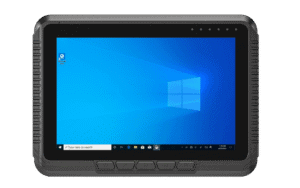
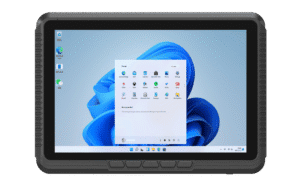
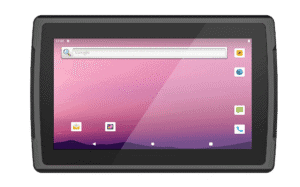
Dispatch & route information
Provide drivers with job details and route information through compatible fleet software. Define the operator interaction and safe mounting position so the terminal supports the working process.


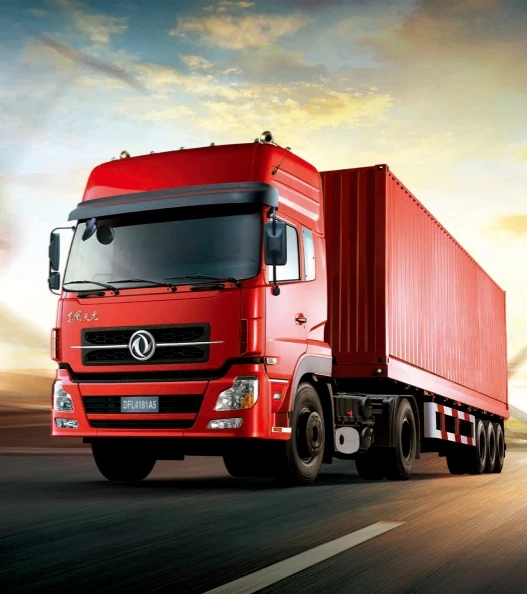
Give fleet teams an in-vehicle interface for dispatch, route information and operational applications. Emdoor vehicle computers support platform choices across Windows, Android and selected Linux configurations, depending on the model.
Start with the application and the vehicle. A useful fleet terminal must fit the cab, work with the power system and connect to the tools your operation already uses.
Provide drivers with job details and route information through compatible fleet software. Define the operator interaction and safe mounting position so the terminal supports the working process.
Connect vehicle tasks with loading instructions, delivery records and depot systems. Confirm the required scanner, camera or other peripherals and test data capture through the selected application.
Use available positioning and wireless options where supported by the exact model. Validate antenna installation, regional network compatibility, coverage and the data interfaces required by your fleet system.
A useful specification connects the application to the real installation. Review these points before committing to a configuration.
| Operating system | Match the fleet application to the exact Windows, Android or Linux version and available drivers. |
|---|---|
| Vehicle power | Check supply voltage, adapter, ignition control and shutdown behavior with the selected configuration. |
| Cab installation | Assess secure mounting, visibility, cable routing, vibration and access for servicing. |
| Connectivity & positioning | Confirm the exact cellular, Wi-Fi, GNSS and antenna options; capabilities vary by model and region. |
Validate the end-to-end workflow with your fleet software supplier. Cellular connectivity, positioning and vehicle data access depend on the chosen configuration and integration.
Compare compact Windows terminals, a 10.1-inch Windows vehicle computer and an Android / Linux platform. Review each product’s actual specification before selecting a fleet configuration.
Published product information below is maintained in our product catalog. Confirm the selected model, options and current availability with our team.