Renewable energy monitoring
Provide a local interface for solar or wind asset information through compatible monitoring software. Define the data sources, network access and service procedures for remote or distributed installations.


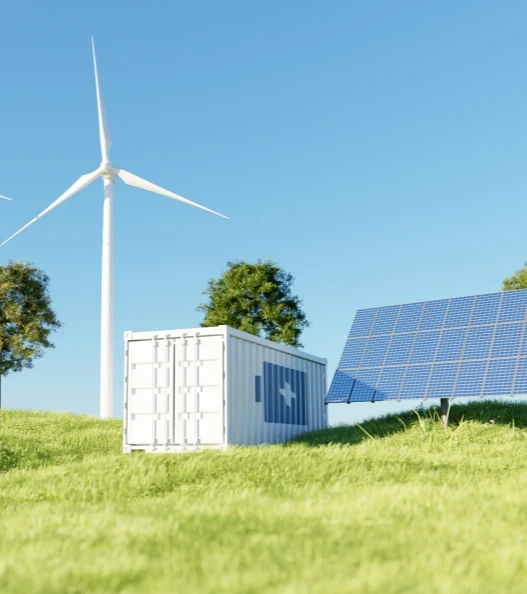
Support equipment interfaces, renewable energy monitoring and service operations with industrial PCs and vehicle computers. Specify hardware around the installation environment, software and connections your energy project requires.
A control room, an equipment cabinet and a service vehicle place different demands on a computer. Start with the operating location and required system interfaces.
Provide a local interface for solar or wind asset information through compatible monitoring software. Define the data sources, network access and service procedures for remote or distributed installations.
Install a panel PC or embedded computer for equipment status, maintenance information and supervisory applications. Confirm temperature, enclosure design, electrical supply and interface requirements at the equipment location.
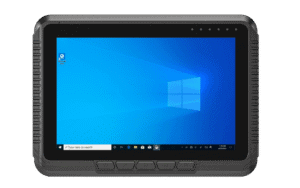
Bring inspection tasks and maintenance records into the service cab. Validate vehicle power, secure mounting and available communications across the working site before deploying the chosen terminal.
A useful specification connects the application to the real installation. Review these points before committing to a configuration.
| Area classification | Identify any hazardous-area requirements first. Rugged construction or an IP rating is not explosion-proof approval. |
|---|---|
| Environmental conditions | Confirm ambient temperature, dust, moisture and installation enclosure for the exact model. |
| Equipment integration | Check serial / Ethernet interfaces, protocols, software drivers and permitted network connections. |
| Remote maintenance | Plan access control, update windows, recovery procedures and application behavior during network loss. |
The proposed architecture must be reviewed with your system integrator. Devices shown here are starting points for suitable non-hazardous installations, subject to model and site validation.
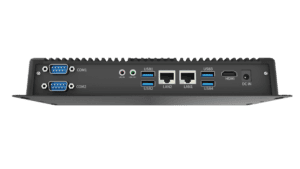
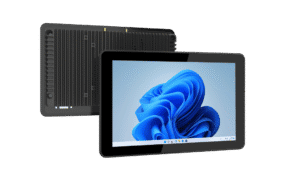
Compare an embedded Intel Core platform, a compact panel PC and a Windows vehicle terminal. Product selection depends on the installation and application, not the industry label alone.
Published product information below is maintained in our product catalog. Confirm the selected model, options and current availability with our team.