A utility inspection can pass through three work areas. The crew collects readings at an asset, checks the next job from a service vehicle and closes the work order at a depot or control room. The purchase specification should explain what information travels between those areas and what happens when a connection is unavailable.

Decide where the system of record lives
Start with the asset identifier and the inspection form. Establish which device creates the record and which system accepts it. Test the field app with maps, photographs and notes stored offline. On reconnect, check that photos stay with the right asset, failed uploads can be retried and repeated submissions do not create duplicates.
Equip the vehicle for its part of the work
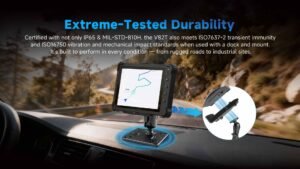
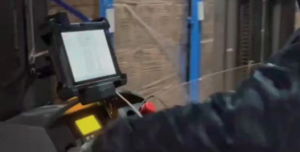
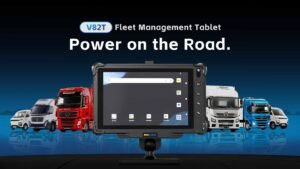
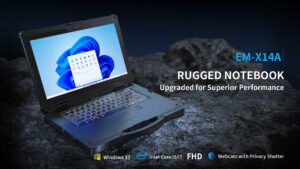
Use a vehicle computer when crews need mounted access to maps, dispatch or shift information. Confirm dock position, antenna needs, power behavior and whether gloves or sunlight affect use. If a separate receiver is needed for positional accuracy, test it in the actual route environment. Where a site has a hazardous-area classification, verify that the equipment and installation are approved for it.
Close the loop at the station
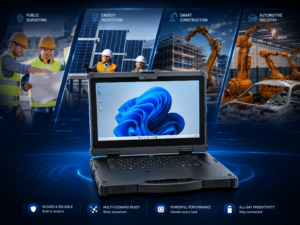
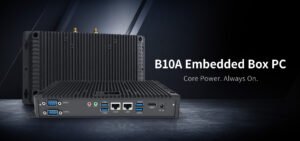
Define who checks the exception queue and how an inspection is marked complete. A fixed panel or embedded system may suit a permanent operations station, depending on the interface and enclosure. Compare the Emdoor IPC public utilities solution with its vehicle computer range and panel PC range when planning the three work areas.
Frequently asked questions
Which device should save the original inspection?
Use the device and application designated by the utility’s data workflow, then test its offline storage.
What if a truck loses cellular service?
Verify cached tasks, local records and retries on a route with known gaps.
Do all assets need survey-grade location?
Set an accuracy requirement for each workflow and select the receiver accordingly.
Can one device cover the vehicle and the field?
Compare carrying, docking, connectivity, battery and any site approval requirements before standardizing.
What does a useful pilot look like?
Run a full inspection route and reconcile open jobs, readings and photos at the end of the shift.
Share a sample route, the asset application and vehicle details with Emdoor IPC to plan a pilot.
Contact Emdoor IPC