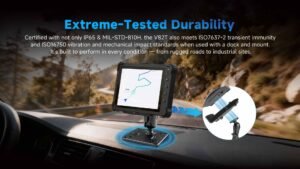
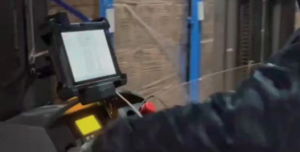
A docking station gives a removable rugged tablet a fixed connection point. On a forklift or service vehicle, that can mean holding the terminal in position while connecting it to power and peripherals. At a workshop bench, a dock can tie the same tablet to a monitor, keyboard or network. At Emdoor IPC, we start with what has to stay connected when the operator takes the tablet out of the dock.
Choose between a cradle, a charging dock and a data dock
A passive cradle holds the tablet in place. A charging dock adds power, while a data dock can expose connections for a scanner, printer or other devices, depending on the tablet and dock. Start with the smallest set of connections that supports the job. For example, an operator who removes the tablet to scan stock on foot may need charging and quick release. A fixed forklift station with a wired scanner may also need its own data connection and strain relief.
Specify the mount, power and ports together
Confirm the tablet and dock part numbers, bracket or mounting pattern, cable outlets and space to release the tablet. Review the vehicle supply and approved power conversion with the installation team. If the tablet or dock will switch with ignition, write down how it should start, shut down and recover when power returns. Include the actual scanner, printer, adapters and cable lengths in the equipment list. Wireless antenna passthrough and other optional connections should be verified for the exact dock.

Run a handoff test with the operator
Install a pilot on a representative vehicle and test while it is safely parked. With the app open, remove and reinsert the tablet, then check charging, peripheral detection and resumption of the task. Repeat with the device asleep and after a power interruption. Ask operators to check readability, reach, release and stowage from their normal working positions. Check cable movement and whether a technician can access the connectors without dismantling the mount.
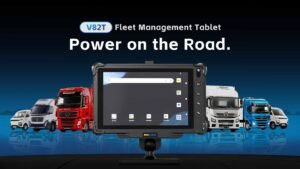
When we review a project, we ask which equipment moves between the vehicle and the warehouse floor and which stays on the vehicle. Our EM-V82T is an example of an Android terminal with a vehicle dock. Explore our vehicle computers or send us your vehicle and peripheral list for a configuration review.