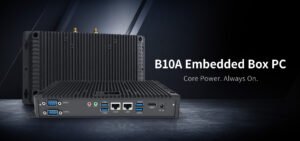
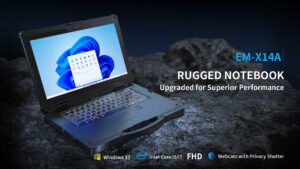
A superintendent reviewing marked-up drawings, a technician documenting defects and a driver receiving dispatch instructions may all need tablets on the same jobsite. Their devices do different work. When Emdoor teams discuss construction deployments, we start with the tasks that must be completed outdoors, offline or wearing PPE, then narrow the hardware choices.
Let the job determine the screen and operating system
Bring a real drawing set to the trial. Measure how often users zoom, switch between sheets or type comments, and see whether the screen is readable in direct light at its normal angle. An inspection crew may prefer a compact tablet with a hand strap, while crews reviewing detailed drawings may benefit from a larger display. Check that your application supports the exact Windows or Android version, including external instruments, stylus input and document markup if the workflow depends on them.
Include dust, charging and offline work in the specification
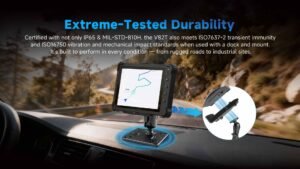
Specify likely dust, spray and drop exposures and compare them with the model’s published protection and test conditions. Try the screen with the gloves the team actually wears. Check whether the hand strap, cover and charging connector can be used together. For sites with weak coverage, test downloading plans before a shift, opening and editing them offline, and syncing annotated files or inspection photos when the network returns.
Pilot one of each role before ordering
Run a shift with a supervisor, an inspector and a vehicle operator if all three roles are in scope. Track missed uploads, repeated logins, glare complaints and charging interruptions. Verify that returned devices can be charged and handed to the next crew without mixing up accounts or project files. Set acceptance criteria for each role so the pilot results lead to a clear purchase decision.
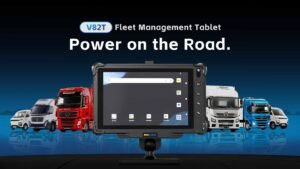
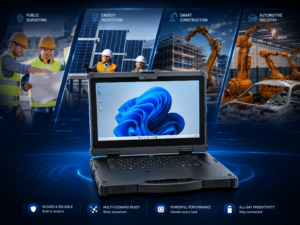
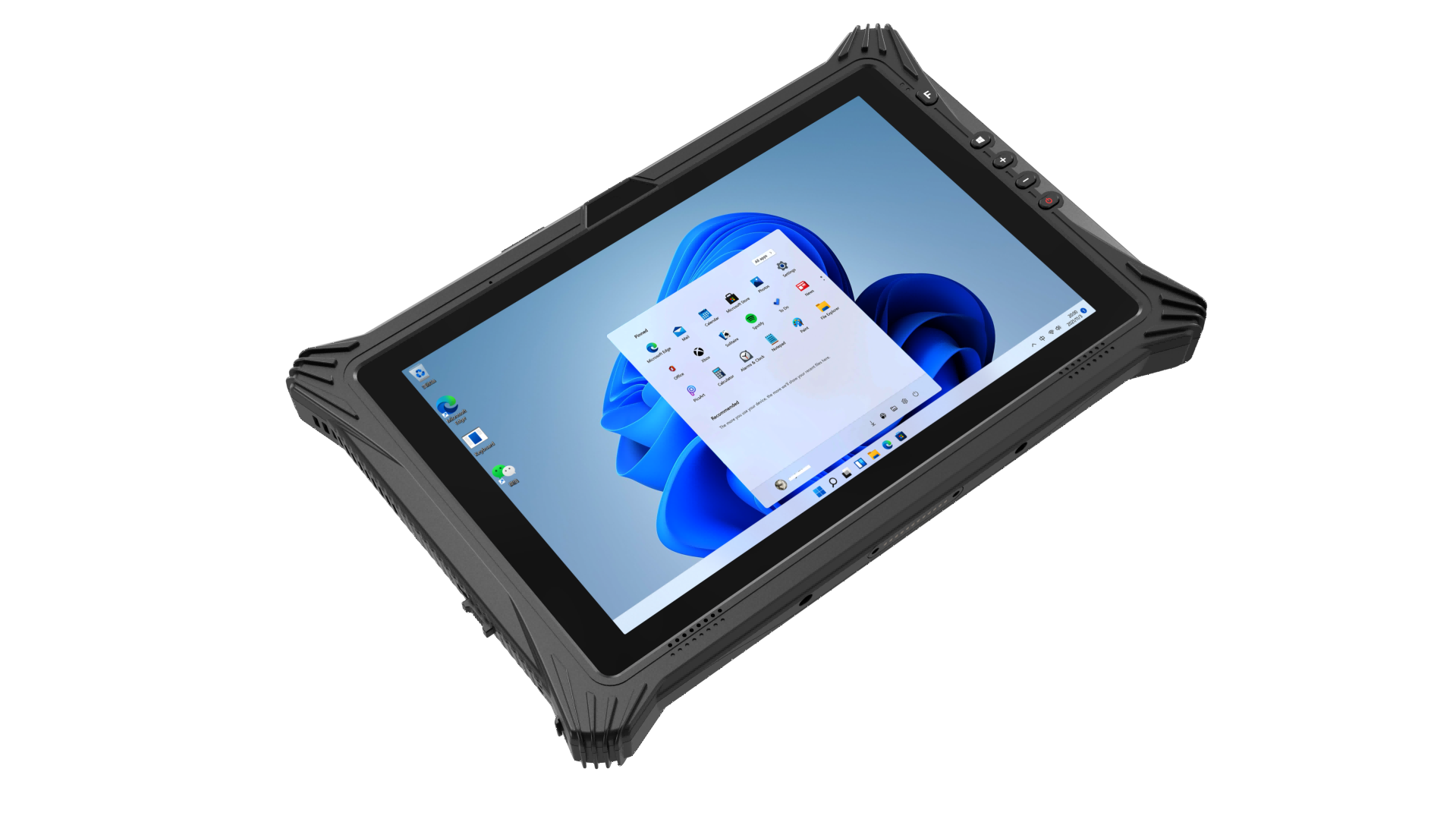
The Emdoor EM-I10L is a 10.1-inch Windows example with a 700-nit display and active pen support. For a fixed terminal in a site vehicle, explore the Emdoor IPC vehicle computer range. Our software integration page covers deployment and system-image planning for shared devices. Share your role and software requirements for help narrowing the options.